Download the mobile app

learn
legal
BTC Markets Pty Ltd ACN 164 093 887 is an authorised representative (AR No. 1297122) of BTCM Payments Limited ACN 643 241 829 (AFSL No. 525840)
©2026 BTC Markets Pty Ltd. All rights reserved.
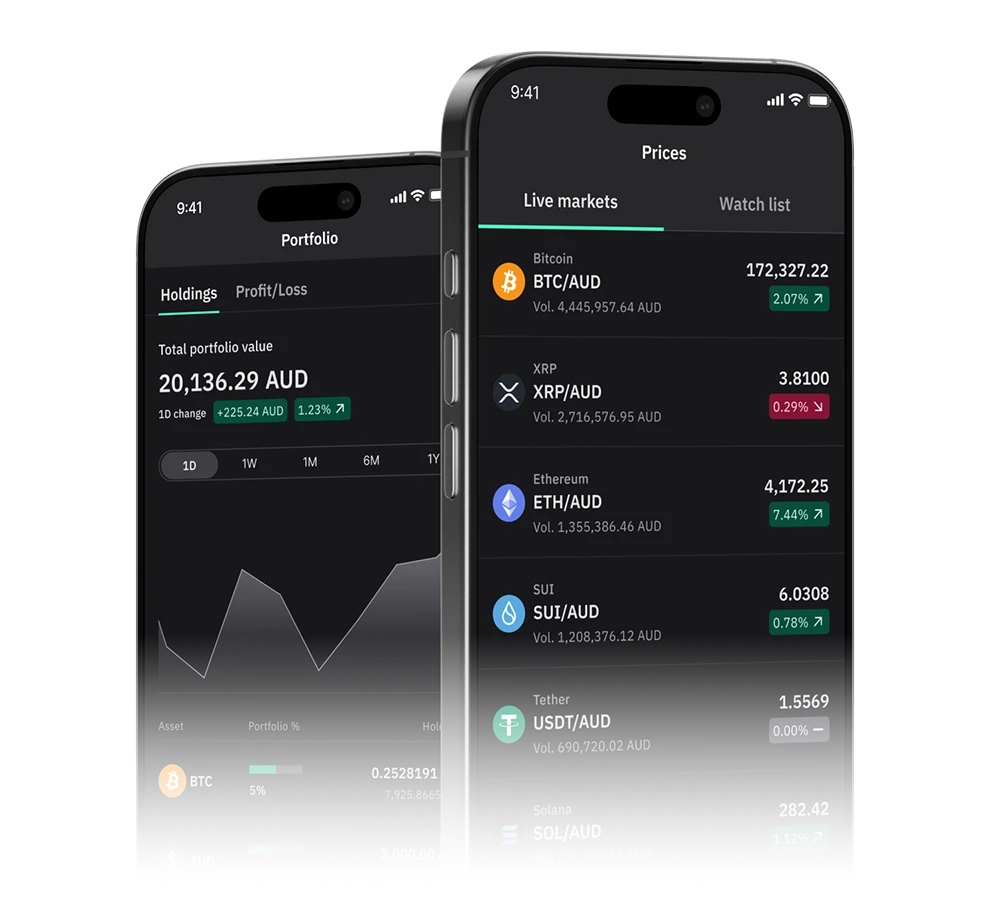
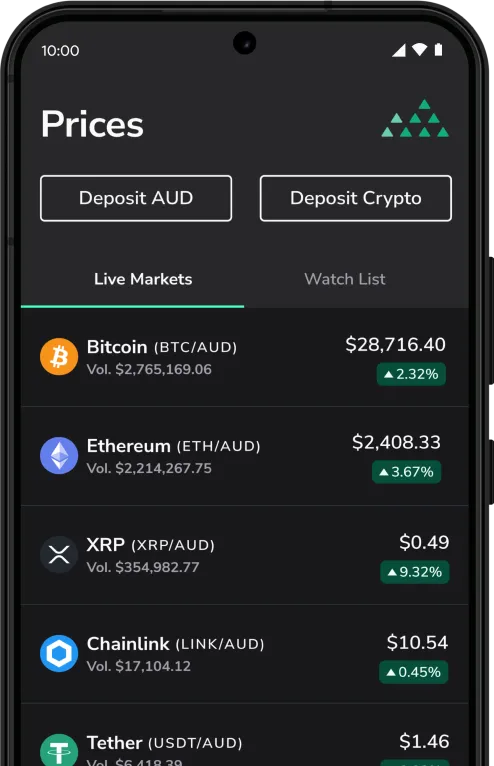
Available on iOS and Android, the BTC Markets app has all the features you need, including:
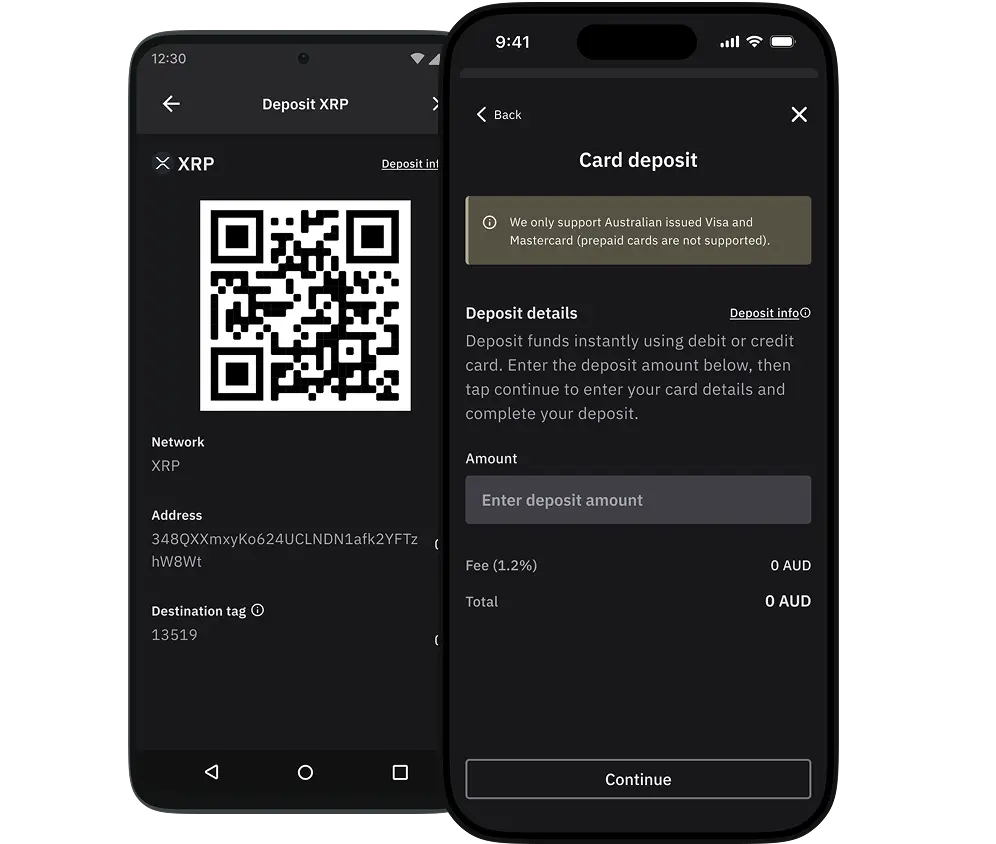
Deposit AUD instantly to your account using:
or deposit crypto from an external wallet to fund your account and start trading today.
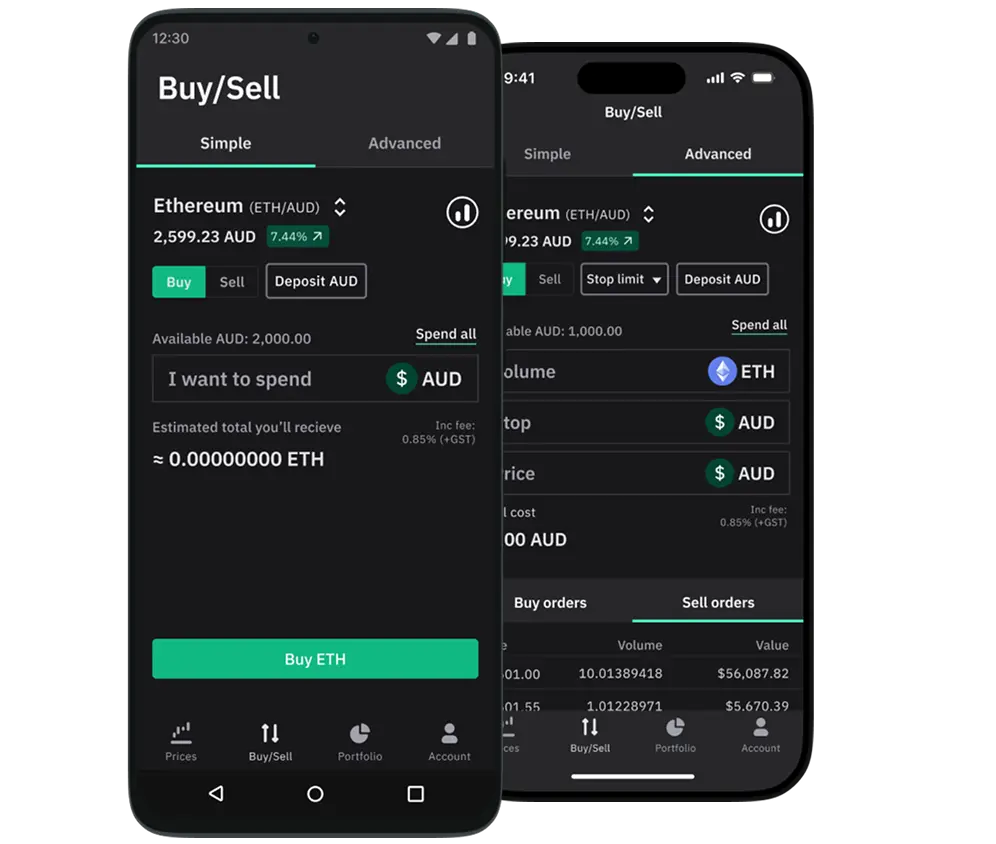
Buy and sell your crypto quickly and easily with our Quick Buy/Sell feature, or engage in more advanced trading with:
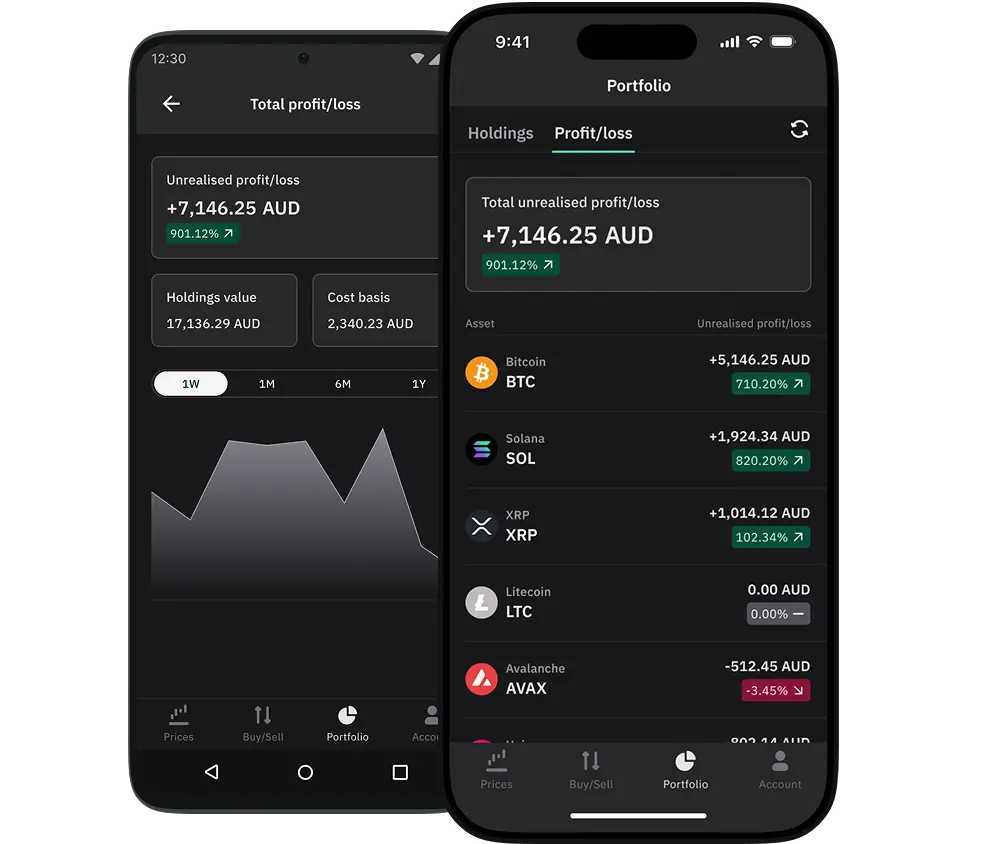
Keep on-top of your total portfolio and specific asset performance with the p/l feature, including historical performance charts, cost-basis and current value insights.
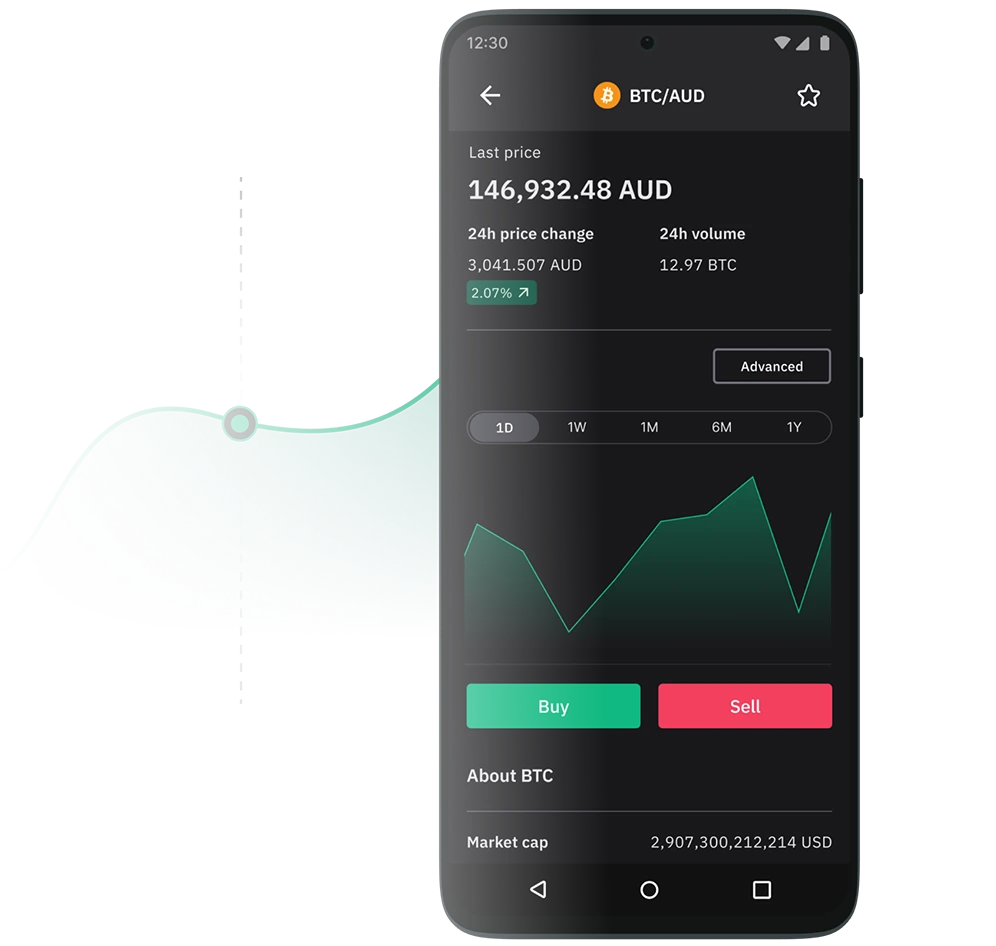
Keep track of cryptocurrency prices and market movements on the exchange, and personalise the assets your interested in with the Watch list feature.
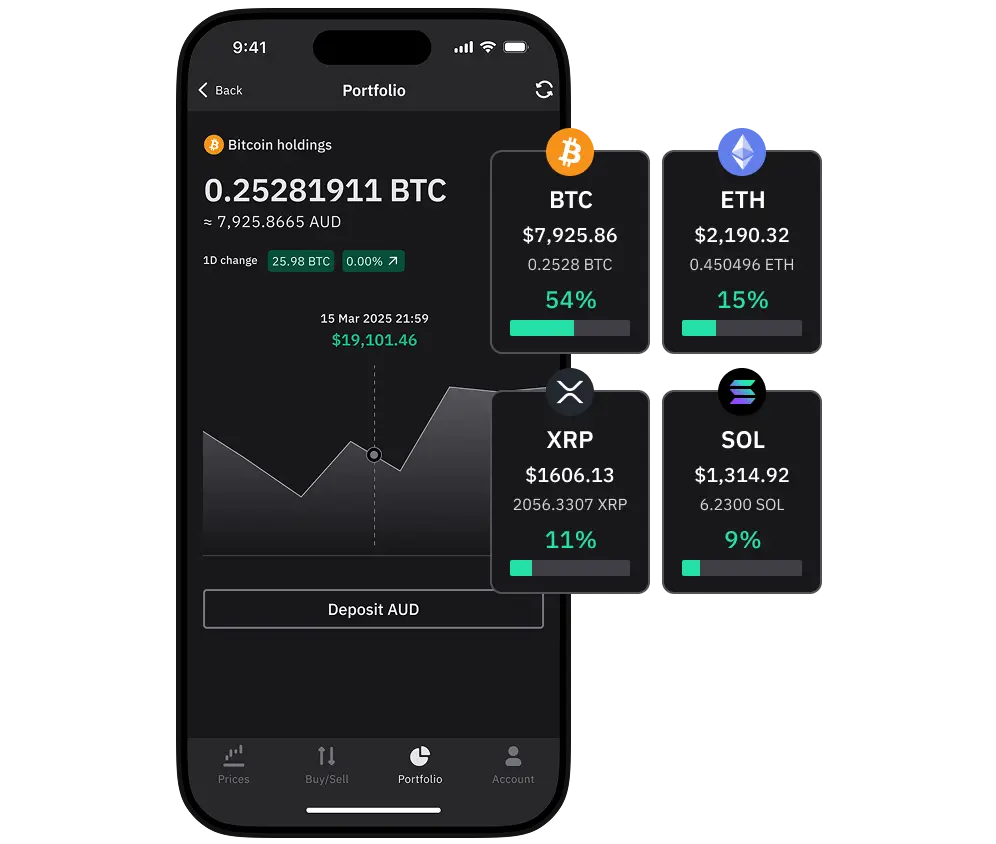
View your total portfolio and asset holdings value. Understand your portfolio diversification, trade history, and buy/sell order statuses on the go.
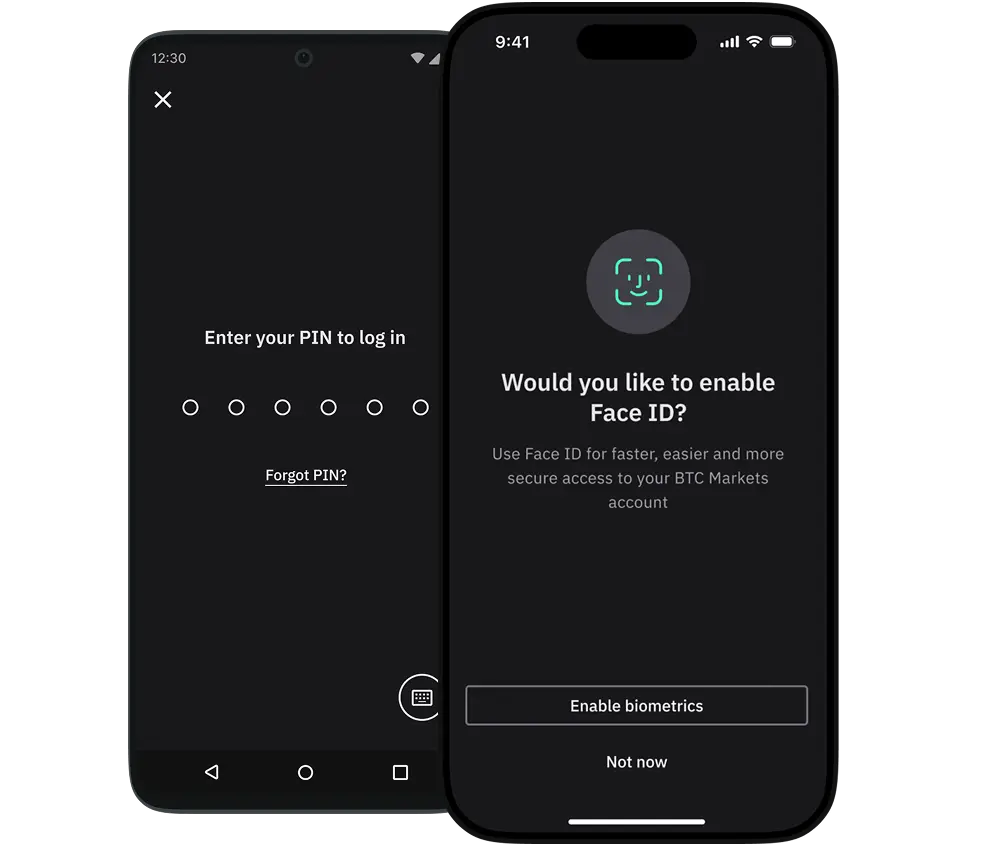
Enjoy quick, easy and secure on-going access to your account using a strong 6-digit PIN code, or your device's in-built biometric security.
The app has the same industry-recognised, best security standards that we implement on our web app, including secure login with two-factor authentication (2FA), personal data encryption, transaction control limits, and off-site cold wallet storage, as well as enhanced MFA for withdrawals.
You can download the app for iPhone devices from the App Store.
You can download the app for Android devices from Google Play.
The mobile app is only available for iPhones with an operating system of iOS 17 or later, and Android devices running Android 8 or higher. Some display issues may be observed with older operating systems.
You may not be able to download the app due to insufficient storage space on your device, or if you are in a sanctioned country, or a country where cryptocurrency transactions are illegal.
With BTC Markets, your account security is our top priority. Our mobile app uses the same industry-recognised, best security standards as our web app. We also have some mobile app-specific security features to give you peace of mind:
Yes, you can withdraw both fiat and crypto via the app. You will need to have two-factor authentication (2FA) enabled on your account to use this feature.
Please see our help articles for further guidance:
Trades are placed via the Buy/Sell tab. You can choose between a simple Buy/Sell order (market order), or tap the “Advanced” tab for more order types and market details.
For a more detailed guide on how to place orders via the app, please see our help article: How to place a buy/sell trade via the mobile app.
After clicking the “Confirm” button for your order, you will be shown a screen advising the order status. Trades executions will have a status of “fully matched” or “partially matched”.
Your portfolio and available balance will also be automatically updated based on your latest order.
You can check order statuses and review order history via the Orders section on the Account tab, and see completed transactions/trades via the Transaction history section on the Account tab.
Current open orders that haven’t fully executed yet are also listed at the bottom of the Advanced Buy/Sell screen (only open orders relating to the current selected market pair are shown).
You can view all of your previously placed orders in the Orders section on the Account tab. You can also filter the list to only show open orders by tapping the Open tab at the top of the screen. You can select any of orders to see more details.
Transaction history shows all executed transactions including buys, sells, buy transfers, sell transfers, deposits, withdrawals, rewards, and airdrops etc. You can view your last 200 transactions by navigating to the Transaction history section on the Account tab. You can select any of these transactions to see more details.
You can view all of your previous transfers including buy transfers, sell transfers, deposits, withdrawals, rewards, and airdrops etc. via the Transfer history section on the Account tab. You can select any of these transfers to see more details.
We understand that users may not be interested in all the markets listed here at BTC Markets. The watch list allows you to focus on only the markets that are of most interest to you.
This means you can spend less time scrolling and more time trading.
Adding and Removing markets from your watch list is easy, just follow our simple guide: How to use the watch list.
Your feedback helps us improve the experience for hundreds of thousands of our customers, and influences the future direction of the app's design and functionality.
You can provide feedback via the ‘Provide feedback’ button in the Account tab of the mobile app. You can also provide feedback via the web using our Mobile app feedback form.
Download the mobile app
BTC Markets Pty Ltd ACN 164 093 887 is an authorised representative (AR No. 1297122) of BTCM Payments Limited ACN 643 241 829 (AFSL No. 525840)
©2026 BTC Markets Pty Ltd. All rights reserved.