Download the mobile app


learn
legal
BTC Markets Pty Ltd ACN 164 093 887 is an authorised representative (AR No. 1297122) of BTCM Payments Limited ACN 643 241 829 (AFSL No. 525840)
©2026 BTC Markets Pty Ltd. All rights reserved.
Follow these steps to deposit crypto into your BTC Markets account using the exchange or mobile app.
1. Sign in to your BTC Markets account via the website.
2. Select Account in the top navigation bar.
3. Click the Deposit option at the top of the Account screen.
4. Select the asset you’d like to deposit from the Deposit Crypto drop-down menu.
5. The deposit details for your asset will then be displayed:
6. In your external wallet, make a transfer or send of the asset using the provided deposit details.
7. Your crypto deposit will then be processed and credited to your account once confirmed.
Note: The time it takes for crypto deposits to be processed and confirmed will vary depending on the asset.
1. Sign in to your BTC Markets account via the mobile app.
2. Click Account in the bottom navigation bar.
3. Under the Wallet section select Deposit.
4. Select the asset you’d like to deposit from the asset list.
5. The deposit details for your asset will then be displayed:
6. In your external wallet, transfer the asset into your BTC Markets account using the above deposit details.
7. Your crypto deposit will then be processed and credited to your account once confirmed.
Note: The time it takes for crypto deposits to be processed and confirmed will vary depending on the asset.
Need help? Submit a support request and our team will be in touch as soon as possible.
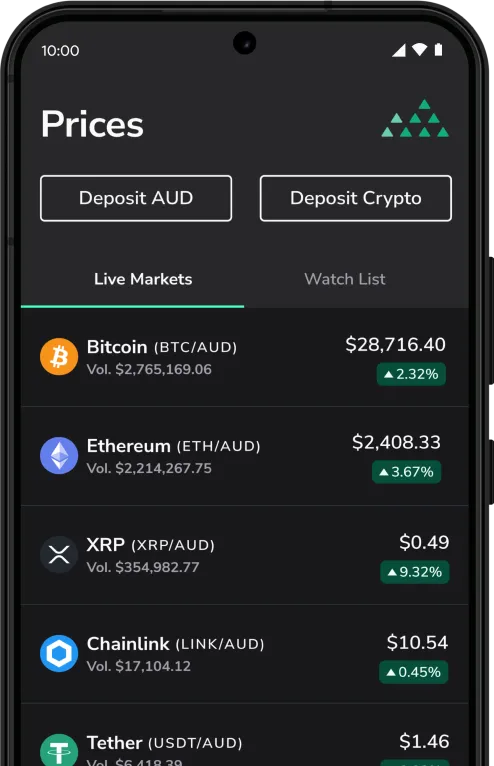
Download the mobile app
BTC Markets Pty Ltd ACN 164 093 887 is an authorised representative (AR No. 1297122) of BTCM Payments Limited ACN 643 241 829 (AFSL No. 525840)
©2026 BTC Markets Pty Ltd. All rights reserved.