Download the mobile app


learn
legal
BTC Markets Pty Ltd ACN 164 093 887 is an authorised representative (AR No. 1297122) of BTCM Payments Limited ACN 643 241 829 (AFSL No. 525840)
©2026 BTC Markets Pty Ltd. All rights reserved.
BTC Markets offers several deposit methods to fund your account, including card payments, PayID (Osko), and bank transfer.
When depositing via bank transfer, it's essential that all payment details, especially your unique reference number, are entered correctly in your banking app to ensure timely and accurate allocation to your account.
1. Sign in to your BTC Markets account via the website.
2. Click Simple Trade in the top navigation bar.
3. Select Deposit cash in the left menu bar.
4. Select Bank Transfer as the deposit option.
5. Take note of these details:
6. Navigate to your banking application and make a bank transfer to the Account name, BSB and Account number.
7. Please ensure you include your unique reference number as part of the deposit in the description or reference field (this may differ depending on the banking application you are using).
8. Submit the payment. Note: Your unique reference number must be included in the transaction as it is used to allocate your deposit into your BTC Markets account.
1. Sign in to your BTC Markets account via the website.
2. Select Account in the top navigation bar.
3. Click the Deposit option at the top of the Account screen.
4. Select Direct Deposit from the Deposit AUD drop down menu.
5. The bank transfer details will then be displayed - take note of these details:
6. Navigate to your banking application and make a bank transfer to the Account name, BSB and Account number.
7. Please ensure you include your unique reference number as part of the deposit in the description or reference field (this may differ depending on the banking application you are using).
8. Submit the payment via your banking application to complete your deposit.
Note: Your unique reference number must be included in the transaction as it is used to allocate your deposit into your BTC Markets account.
1. Sign in to your BTC Markets account via the mobile app.
2. Select Account in the navigation bar at the bottom of the screen.
3. Tap the Deposit option under the Wallet section.
4. Tap Australian Dollar from the asset selection list.
5. Tap the Direct Deposit option.
6. The bank transfer details will then be displayed – take note of these details:
7. Navigate to your banking application and make a bank transfer to the Account name, BSB and Account number.
8. Please ensure you include your unique reference number as part of the deposit in the description or reference field (this may differ depending on the banking application you use).
9. Submit the payment via your banking application to complete the deposit.
Note: Your unique reference number must be included in the transaction as it is used to the deposit into your BTC Markets account.
Need help? Submit a support request and our team will be in touch as soon as possible.
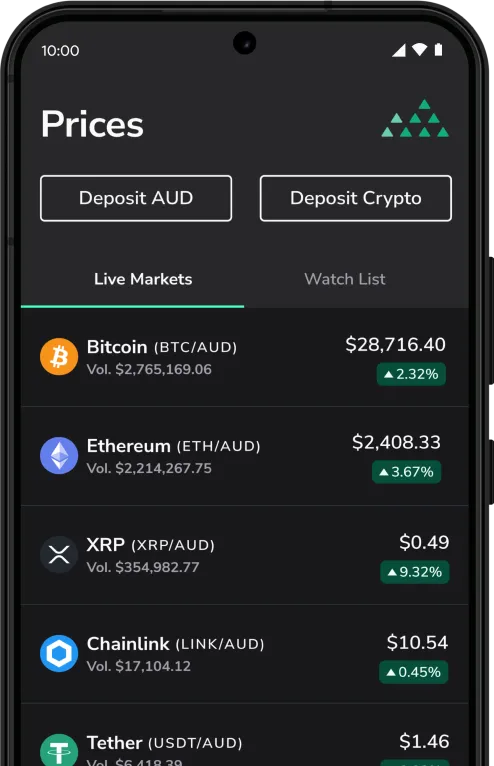
Download the mobile app
BTC Markets Pty Ltd ACN 164 093 887 is an authorised representative (AR No. 1297122) of BTCM Payments Limited ACN 643 241 829 (AFSL No. 525840)
©2026 BTC Markets Pty Ltd. All rights reserved.