Download the mobile app


learn
legal
BTC Markets Pty Ltd ACN 164 093 887 is an authorised representative (AR No. 1297122) of BTCM Payments Limited ACN 643 241 829 (AFSL No. 525840)
©2026 BTC Markets Pty Ltd. All rights reserved.
To begin trading on BTC Markets, you will need to verify your account. This can be done during the sign-up process or at a later stage.
Once you’ve completed your profile, identity verification is the final step in the sign-up process:
1. Click Start ID verification.
2. Choose your preferred ID document:
Note: Your ID must be valid and not expired.
3. Enter the details of your ID document and click Next.
4. Confirm the details are correct and click Next.
5. Agree to the ID Verification terms and click Looks good, verify my identity.
6. Your ID verification will now be processed. Note: If the ID verification fails, you may be asked to check the details or try a different ID document.
7. If your ID verification is successful, you will be asked to complete biometric verification.
8. Select the ID document that you previously verified with.
9. To commence the biometric verification on your mobile device, click Get secure link.
10. Send the secure link to your mobile.
11. Open the secure link on your mobile and follow the instructions to record a short video.
12. Review the video, then click Upload.
13. Your video will be processed. Note: In some instances, additional information may be required. You may be asked to schedule a call with our onboarding team.
14. If your account verification is successful, you’ll see a confirmation screen. Click Deposit funds to your account to start using BTC Markets.
If you choose to verify your account after the initial sign-up, you can resume the process at any time using one of the following methods:
1. Sign in to your BTC Markets account via the website.
2. Click Simple Trade in the top navigation bar.
3. On the Portfolio screen, click Verify identify.
4. Follow the prompts to complete ID verification.
1. Sign in to your BTC Markets account via the website.
2. Select Account in the top navigation bar.
3. Click the Onboarding option at the top of the Account screen.
4. Complete your verification using your identity documents.
Once your account is verified, you can deposit funds and start trading.
Learn How to fund your account with BTC Markets.
Need help? Submit a support request and our team will be in touch as soon as possible.
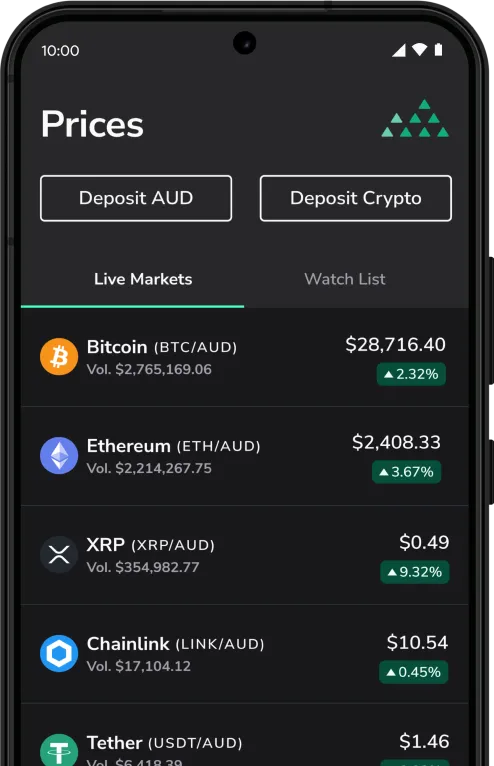
Download the mobile app
BTC Markets Pty Ltd ACN 164 093 887 is an authorised representative (AR No. 1297122) of BTCM Payments Limited ACN 643 241 829 (AFSL No. 525840)
©2026 BTC Markets Pty Ltd. All rights reserved.