Download the mobile app

learn
legal
BTC Markets Pty Ltd ACN 164 093 887 is an authorised representative (AR No. 1297122) of BTCM Payments Limited ACN 643 241 829 (AFSL No. 525840)
©2026 BTC Markets Pty Ltd. All rights reserved.
Quick Buy/Sell allows you to sell crypto assets in just a few clicks, without needing to place orders on the Advanced Trade order books.
You’ll need a fully verified and funded BTC Markets account to use this feature. For instructions on how to deposit funds, see: How to fund your account.
1. Sign in to your BTC Markets account via the website, selecting New from login options.
2. Ensure that you're on the New platform. You can switch to the New platform from the top navigation bar.
3. Select Quick Buy/Sell in the left menu bar.
4. Click the Sell tab at the top of the Quick Buy/Sell module.
5. Choose the asset you want to sell using the drop-down list below the Buy and Sell tabs.
Note: The assets available through Simple Trade may differ from those listed on the exchange. We are continuing to expand asset availability. If the asset you are looking for is not available on Simple Trade, you can still access it on the exchange.
6. Enter the amount of the asset you want to sell or use the Sell all option to apply your entire balance.
7. Click Review sell to proceed.
8. Review the order details:
9. Click the Confirm and sell button.
10. If successful, a confirmation screen will appear.
Important information: In some cases, submitting a sell order may not result in an immediate or successful purchase.
If your trade is not completed or you encounter an issue, please raise a support ticket and our team will assist you.
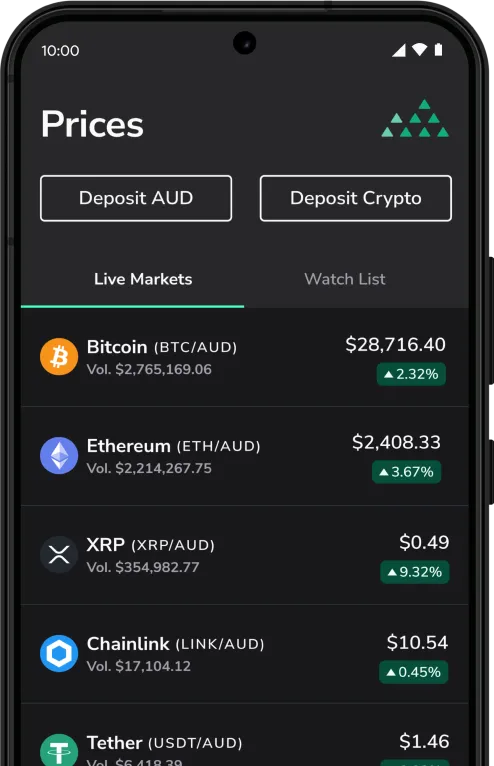
Download the mobile app
BTC Markets Pty Ltd ACN 164 093 887 is an authorised representative (AR No. 1297122) of BTCM Payments Limited ACN 643 241 829 (AFSL No. 525840)
©2026 BTC Markets Pty Ltd. All rights reserved.