Download the mobile app


learn
legal
BTC Markets Pty Ltd ACN 164 093 887 is an authorised representative (AR No. 1297122) of BTCM Payments Limited ACN 643 241 829 (AFSL No. 525840)
©2026 BTC Markets Pty Ltd. All rights reserved.
If you have completed a trade, you can view your trade history on the exchange by following the below steps.
1. Sign in to your BTC Markets account via the website.
2. Ensure that you are on the Classic platform. You can navigate to Classic via the top navigation bar.
3. Click Change Market and select the asset you want to view your trade history for.
4. Click the Trade History tab underneath the buy/sell section.
5. Here you’ll be able to see all your completed trades for the asset and the detail of each trade:
If you encounter any issues while completing a trade, please raise a support ticket.
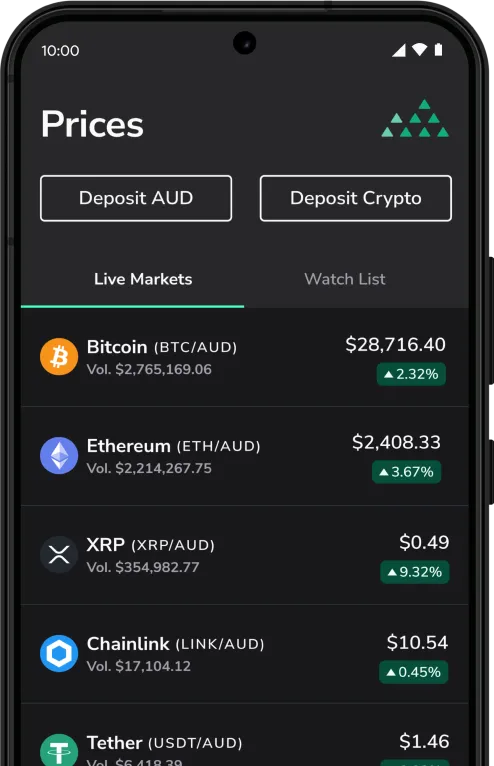
Download the mobile app
BTC Markets Pty Ltd ACN 164 093 887 is an authorised representative (AR No. 1297122) of BTCM Payments Limited ACN 643 241 829 (AFSL No. 525840)
©2026 BTC Markets Pty Ltd. All rights reserved.