Download the mobile app


learn
legal
BTC Markets Pty Ltd ACN 164 093 887 is an authorised representative (AR No. 1297122) of BTCM Payments Limited ACN 643 241 829 (AFSL No. 525840)
©2026 BTC Markets Pty Ltd. All rights reserved.
Easily buy or sell assets on Advanced Trade by placing orders in our order books, with access to advanced order types.
You’ll need a fully verified and funded BTC Markets account to trade on the exchange. To learn how to deposit funds to your account, please see How to fund your account.
1. Sign in to your BTC Markets account via the website.
2. Ensure that you're on the Classic platform. You can navigate to Classic via the top navigation bar.
3. Click Buy/Sell in the top navigation bar.
4. Advanced Trade should be pre-selected.
5. Click Change Market and select the asset you want to buy from the dropdown list.
6. Select the order type you’d like to use:
5. Enter the details of your chosen order type, then click the Buy button.
6. Review the details of your order, then click Confirm.
7. If your buy order is successfully placed, you will see a notification in the top right corner appear, notifying that the order has been successfully placed in the exchange orderbooks.
Note: Depending on your chosen order type and market conditions, the time it takes to successfully fill and execute your trade will vary.
If you encounter any issues while completing a trade, please raise a support ticket.
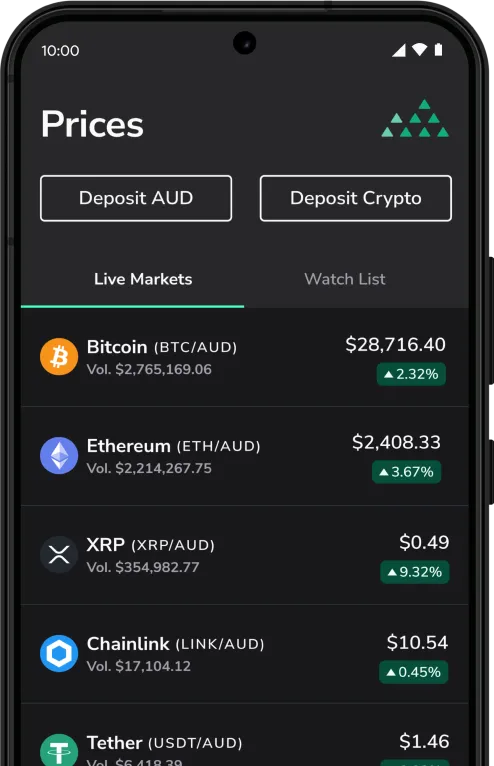
Download the mobile app
BTC Markets Pty Ltd ACN 164 093 887 is an authorised representative (AR No. 1297122) of BTCM Payments Limited ACN 643 241 829 (AFSL No. 525840)
©2026 BTC Markets Pty Ltd. All rights reserved.